
Identity stays visible
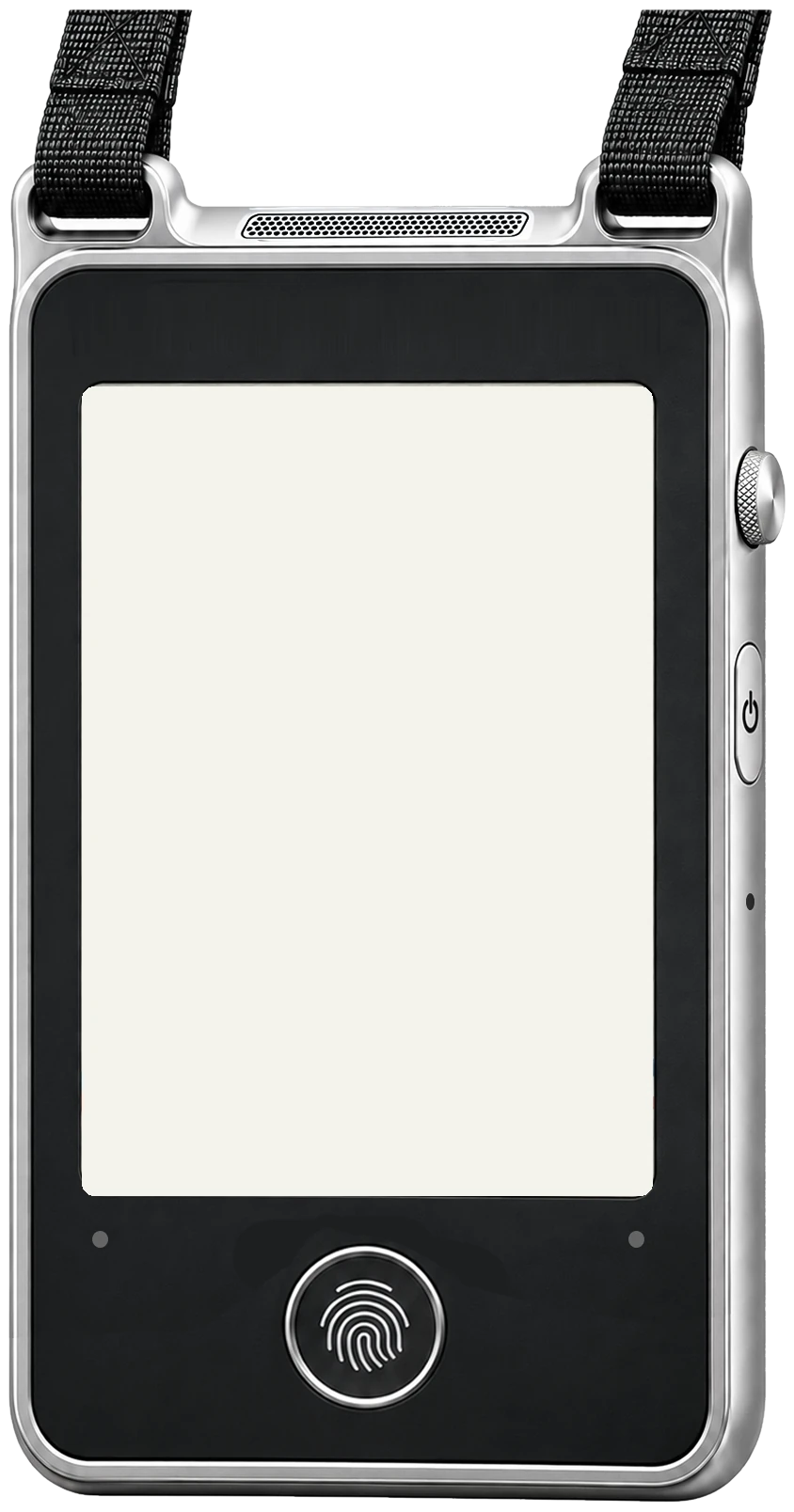
The e-paper image remains when power is off, keeping the badge’s displayed identity available.
GMIC AI Lumen · HA-MIC07 reference design
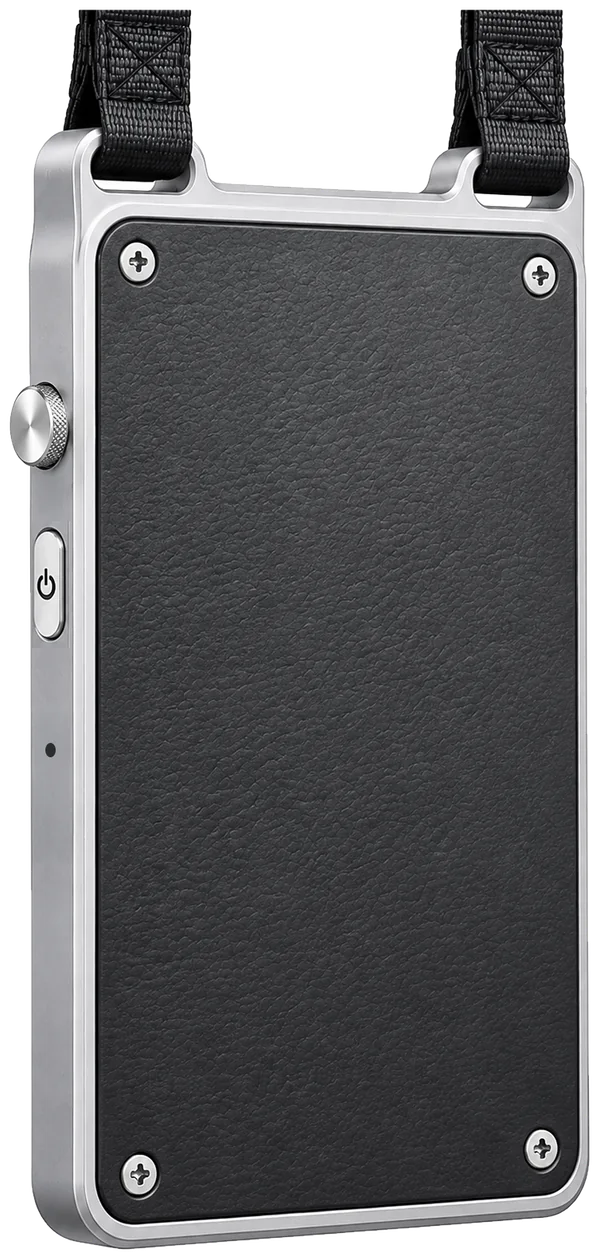
Lumen combines a color e-paper identity screen, microphones, local audio storage, NFC and on-device fingerprint matching. Connected services can turn recordings into text, summaries and daily reports.
Follow a field-service example from a missed repair note to the brief a brand can use to commission a first sample.
The illustrations show the reference design. Hardware specifications are design targets for sample evaluation.


01 · Start with the job
Illustrative field-service brief
At the end of a shift, a technician remembers promising a replacement seal. Two pumps were inspected. The work order says “seal needed,” but leaves out the pump tag. By morning, dispatch has to call the site to find out which pump to service.
The technician already wears an ID badge. Could the same badge capture a ten-second note while the tag is still in view? The brief starts there. It also calls for a visible recording light and a way to save the note in a mechanical room with no Wi-Fi.
Show the engineer’s name, role and a QR code leading to the team’s chosen contact or verification page.
At pump P-17, the technician presses the crown and says, “P-17, order a replacement seal for Friday.” The light signals capture. The badge keeps the note locally.
After sync, the technician checks “P-17” and “Friday” against the audio. Dispatch gets a reviewed follow-up with the equipment tag attached.
02 · Map the solution
The badge can keep a note through a network outage. Once it reconnects, the selected back end handles transcription and review.
Recording and local files can work offline.
3 digital microphones supply the audio signal.
Crown actions and configured working hours control capture and key-moment marks.
Keep recordings on the device while a network is unavailable. Size storage for the intended use.
Network access and a configured back end.
GMIC AI’s service or your own storage and services, scoped for the project.
Audio becomes text, summaries and daily reports through the selected service.
Review the records in your workflow. Interfaces for audio, text and summaries are provided per project.
Enrollment and matching run on the badge. Multi-user record assignment is a separate extension.
E-paper retains its image without power. Recording colors and light effects are set per project.
The NFC tag can be read with the badge off. Opening an online page uses the phone’s connection.
The e-paper image remains when power is off, keeping the badge’s displayed identity available.
Local audio storage separates capture from upload. Capacity and reconnection behavior belong in the acceptance test.
The crown gives the wearer a physical start/stop action; the light bar makes the configured recording state visible.
Published Lumen capabilities · Service and customization options
Reference hardware
| Screen | 3.7-inch six-color e-paper, 480 × 720 |
|---|---|
| Size and weight | Approx. 63 × 112 mm, 8–9 mm thick, around 80 g |
| Audio capture | 3 digital microphones |
| Wireless | Dual-band Wi-Fi (2.4 and 5 GHz) and Bluetooth |
| NFC | Readable by a phone, including when the badge is off |
| Fingerprint | Capacitive sensor with on-device enrollment and matching |
| Controls and feedback | Rotating crown with press and turn actions, power button, 8 full-color status LEDs |
| Power | Approx. 1100 mAh battery with USB-C charging |
03 · Define the tradeoffs
The first question for this buyer is whether dispatch can recover the right pump tag and promised action. That sets the scope of the first build.
Apply the same questions
Each example pairs a problem the wearer encounters with a check for the first sample.
04 · Plan the evidence
At the first review, replay the P-17 note and open the resulting work order. A reliable equipment tag, a clear next action and a recoverable offline file give the team a reason to proceed.
Deliverable · a one-page brief covering wearer, sites, capture rules, data destination and current workflow.
Review · the buyer and engineering team agree on the job the badge must support.
Deliverable · baseline versus changes, interface scope and acceptance checks for audio, controls, storage, transfer and battery coverage.
Review · decisions, missing inputs and sample acceptance criteria are documented.
Deliverable · an identified sample version, source audio, power and connectivity test records, and an issue list.
Review · agreed tests pass or a specific revision is approved. Keep hardware, firmware and test conditions with the results.
Deliverable · the configuration, BOM, assembly and test plan, target-market worklist, and engineering, tooling and unit-cost scope.
Review · engineering and production-readiness review before a production release decision.
05 · Begin your ODM brief
Bring one moment from your customer’s day, one example of the record your app needs, and your target quantity. Use the MIC07 brief to tell engineering what to reuse, what to change and how you will judge the first sample.
Start with HA-MIC07